by Tory Barber | Oct 3, 2022 | AI, DALL·E, Graphic Design
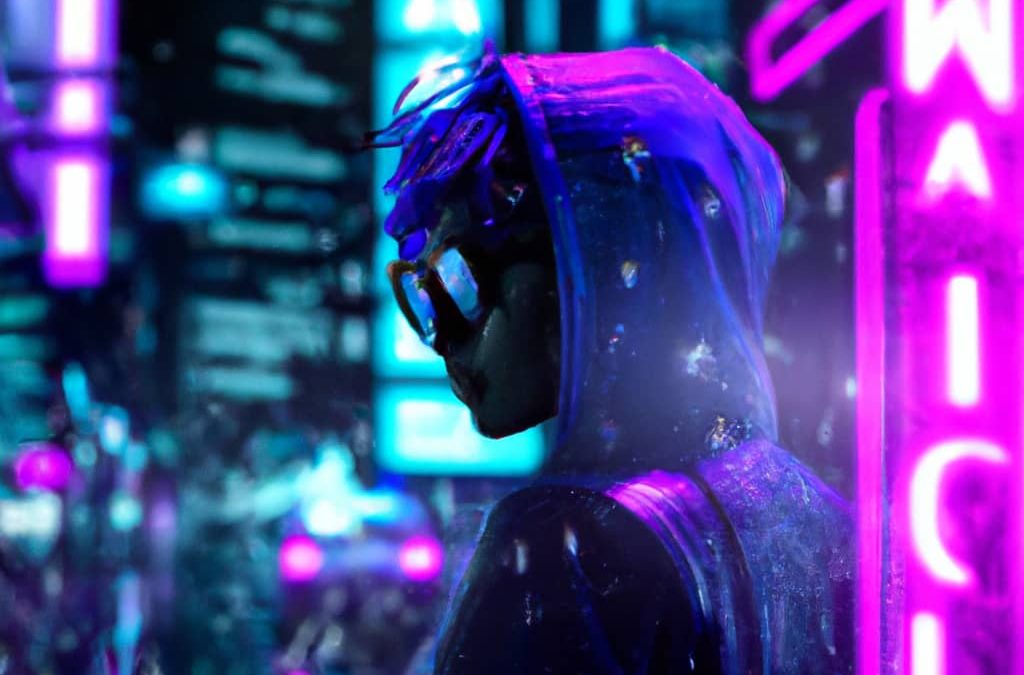
Quick Links Upload your Photo Crop Select Extend Area Prompt Select Your Favourite Repeat Ever find the perfect photo for your project, but it isn’t quite the right size? Maybe you found the PERFECT hero for your latest web design, but it doesn’t have...
by Tory Barber | Sep 26, 2022 | Adobe Illustrator, Adobe Photoshop, Creative Market, Graphic Design, Right Brain, Web Design, Web Fonts
Quick Links What are Creative Market’s Drops? Quick Stats Top 5 Assets Universal UI Kit Lester CV – Resume Template Coco Gothic Font Abstract Collage Norfolk Font Pair What are Creative Market’s Drops? Every month Creative Market drops a bundle of...
by Tory Barber | Sep 21, 2022 | Adobe Photoshop, Graphic Design, Right Brain
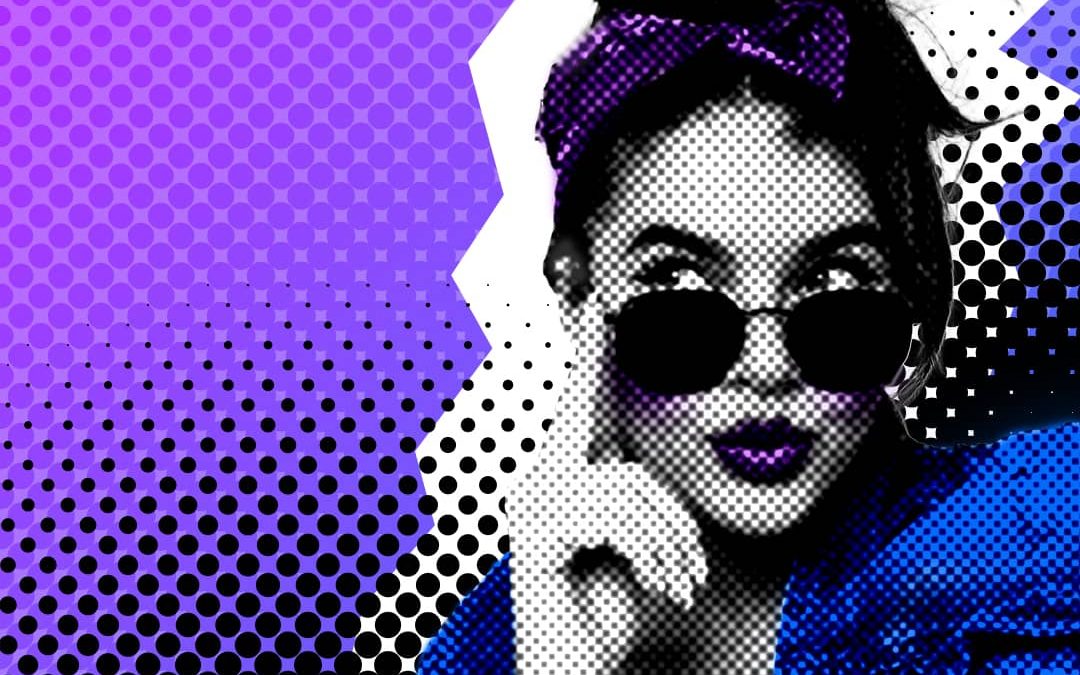
Quick Links Isolate the subject of your Image Add a Background Colour Add a Halftone Gradient Layer Make the Subject Black & White Add a Halftone Filter to Subject Outline Subject with Pen Tool Add a Linear Burn Blending Mode Paint in the Image Add extra Halftone...
by Tory Barber | Jul 14, 2022 | AI, Graphic Design, Midjourney, Right Brain
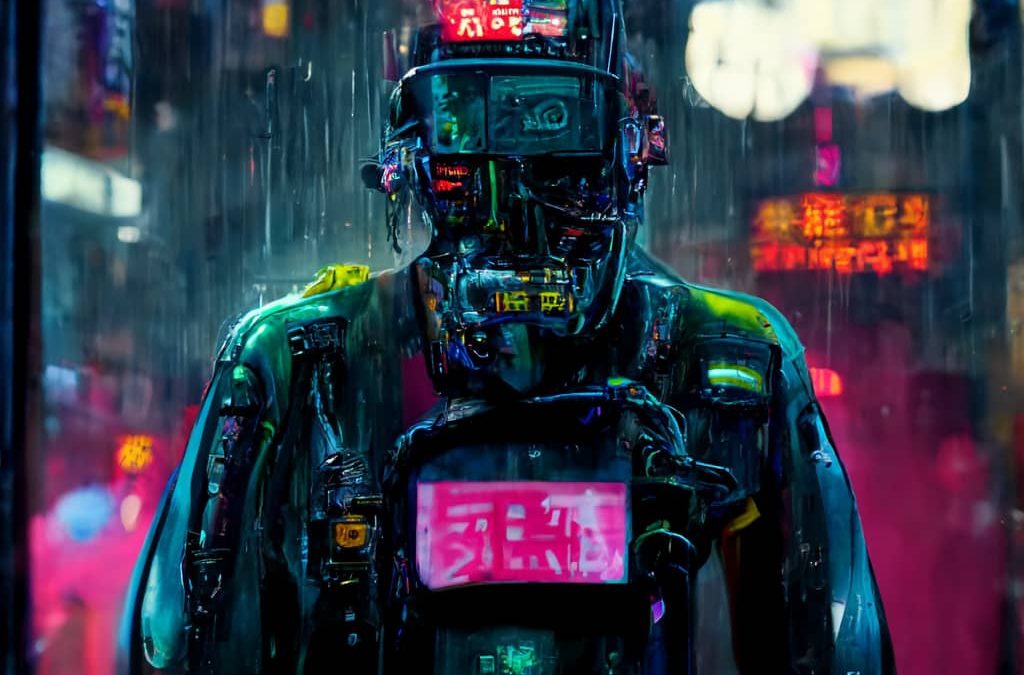
Quick Links What is AI Art? Types of AI Art Text Driven Image Generation Style Transfer GAN Generated Images Where to Get Started DALL-E 2 MidJourney What is AI Art? AI art is digital images that were generated by an Artificial Intelligence model. There are many...
by Tory Barber | Jul 4, 2022 | Adobe Photoshop, Creative Market, Graphic Design, Right Brain
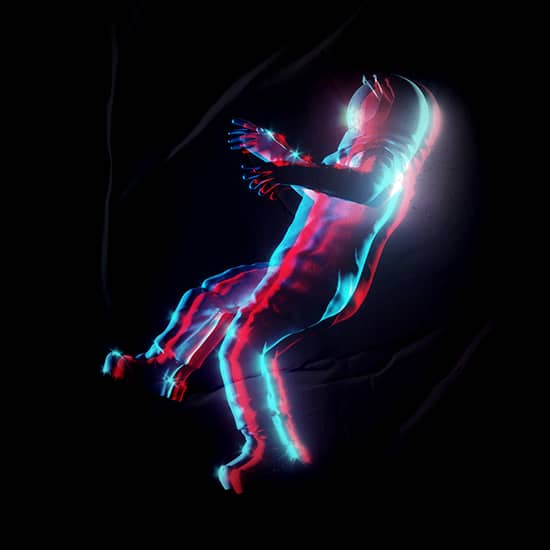
Quick Links 1. Duplicate Your Image 2. Turn off Green and Blue Channels in Blending Options 3. Nudge the Top Layer Additional Tip 1. Duplicate Your Image Duplicate your image layer in Photoshop by using the shortcut command + j (ctl + j for windows) or by holding...